

Private internet.
Protected connection.
Secure your internet connection, protect your online activity, and browse with greater privacy wherever you go.
No-logs policy · AES-256 encryption · 30-day money back guarantee
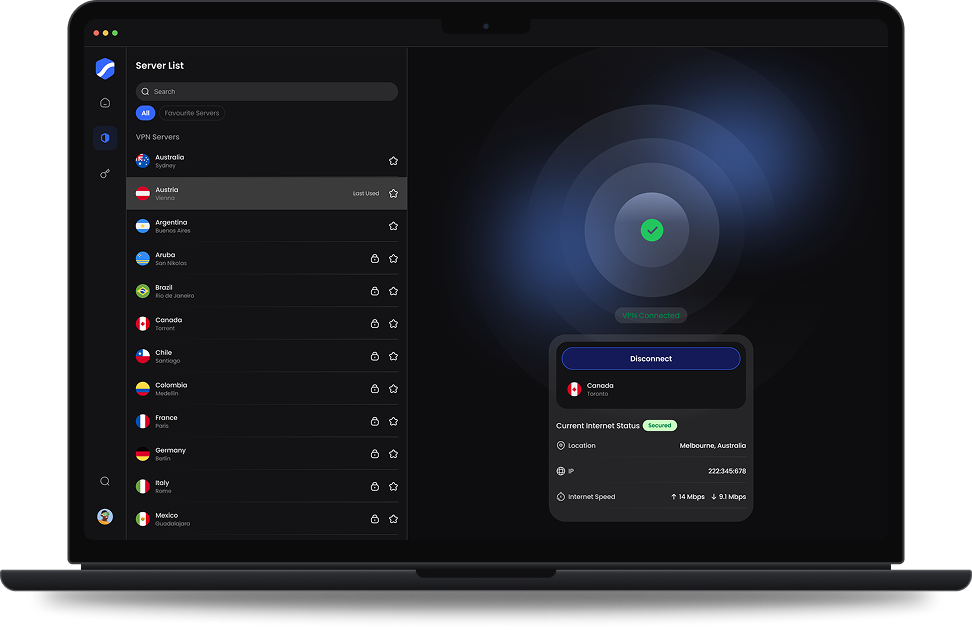
A VPN adds a protected layer between your device and the internet.
It sends your traffic through an encrypted tunnel to a SecPath server. Websites then see the server’s IP address, not yours.
Without a VPN
 Your device
 Internet
 Website
Sees 203.0.113.24, your IP
Website
Sees 203.0.113.24, your IP
With SecPath VPN
 Your devices
Encrypted tunnel
Your devices
Encrypted tunnel

 SecPath server
 Internet
 Website
Sees 198.51.100.24, the server
Encrypted tunnel
Connected in three steps.
Open the Windows app, pick a server and connect. SecPath takes care of the encryption.
 Windows app
Windows 10 and 11, 64-bit

01Get SecPath
Download and install the Windows app.
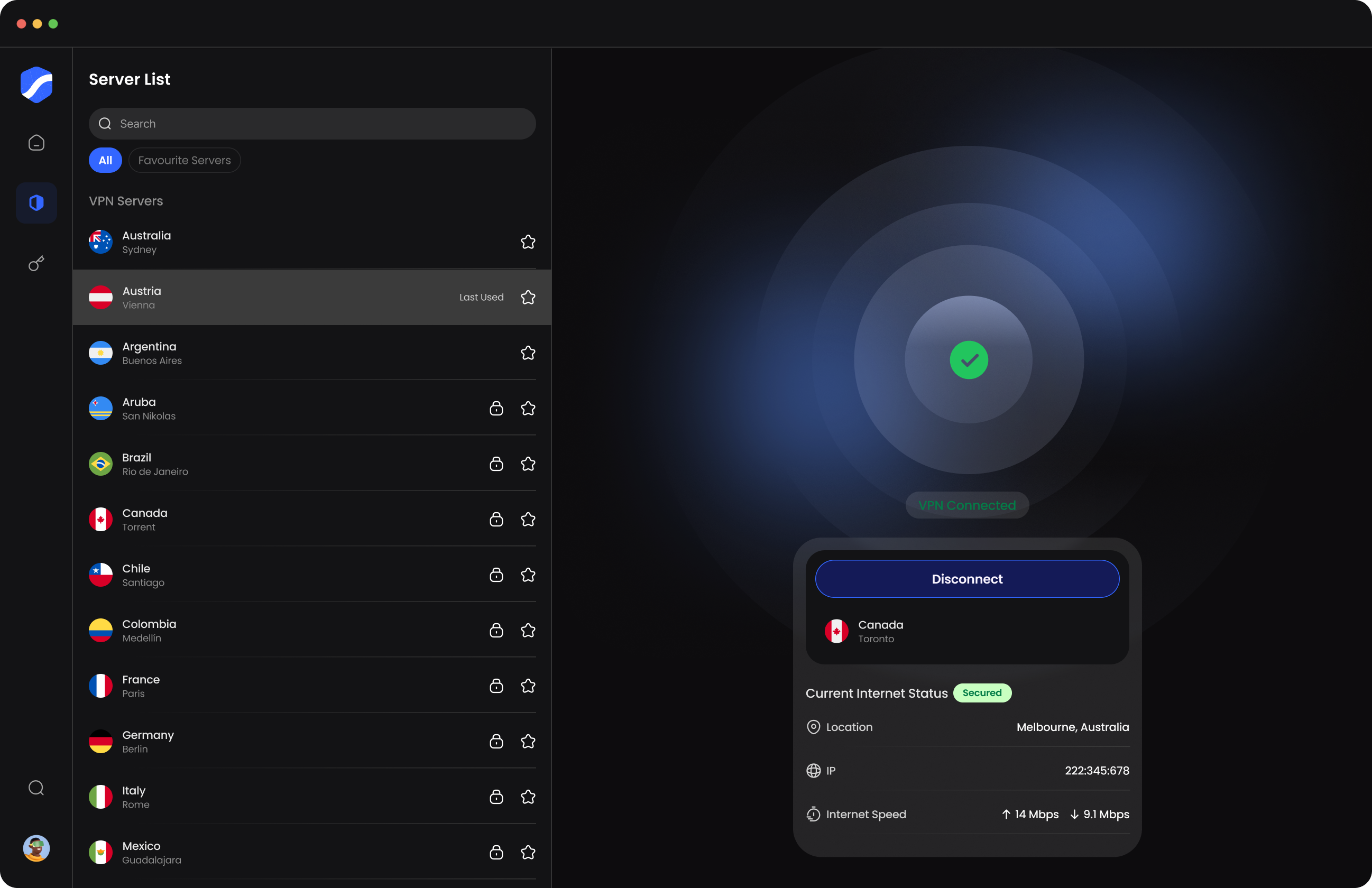
02Select server
Choose a SecPath VPN server from the list.
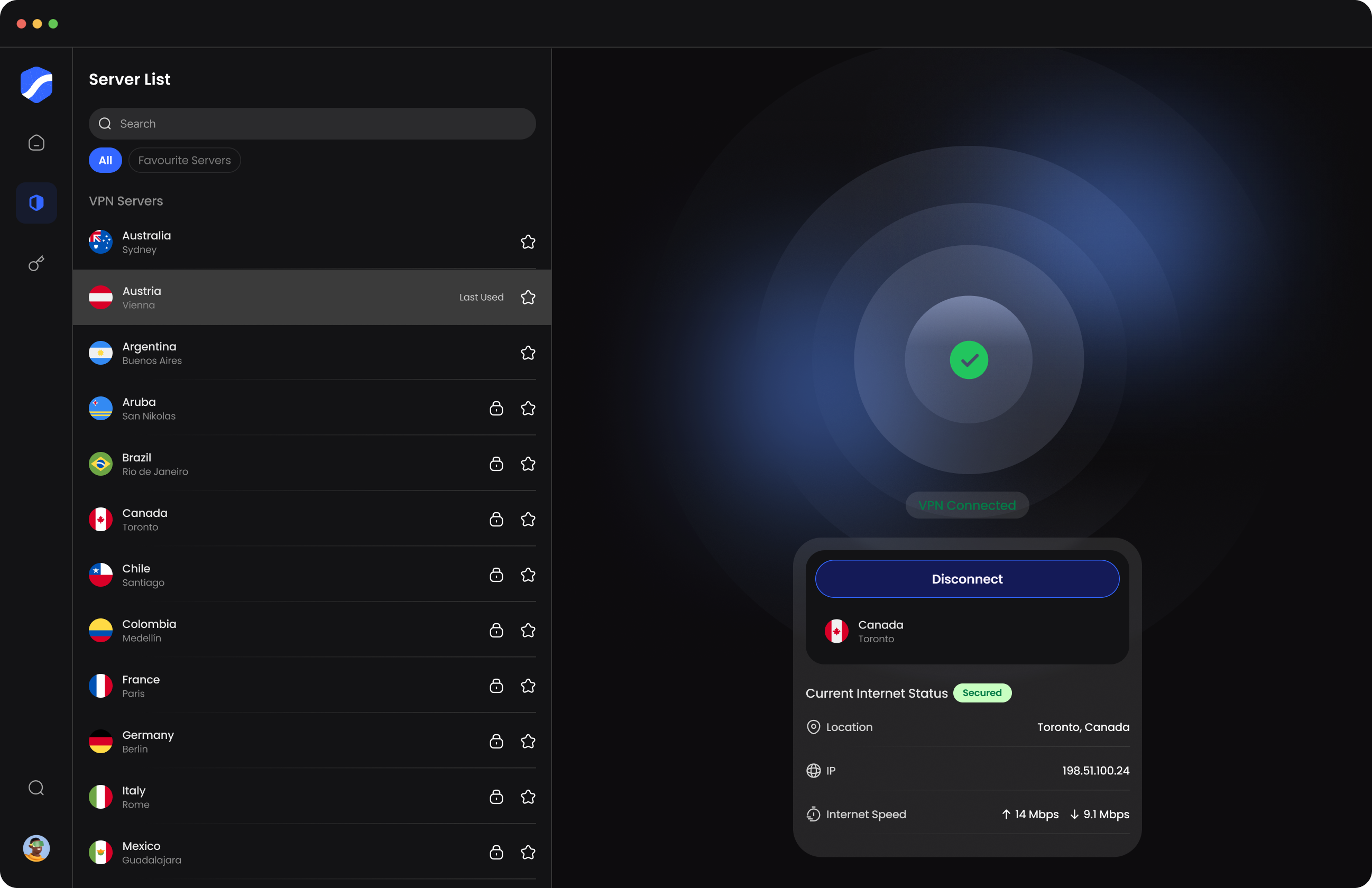
03Connect
Press Connect VPN. Your connection is protected through the VPN tunnel.
Servers across Europe, the Americas and Australia.
Connect to the region you need, from wherever you are.
-
 You connectFrom wherever you are: home, work or on the move.
-
 Through a SecPath serverYour traffic goes, encrypted, to a server in the region you choose.
-
 Out to the internetWebsites see the server’s location and IP address, not yours.


Norway
Oslo

United States
Phoenix

United Kingdom
London
Favorites Server
Protection that fits into your everyday browsing.
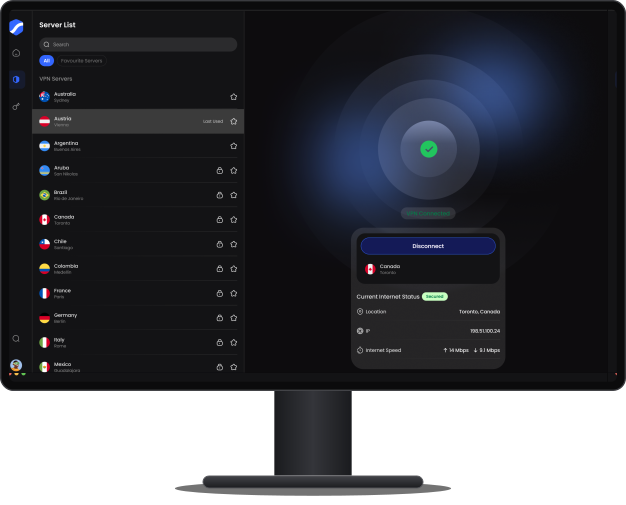
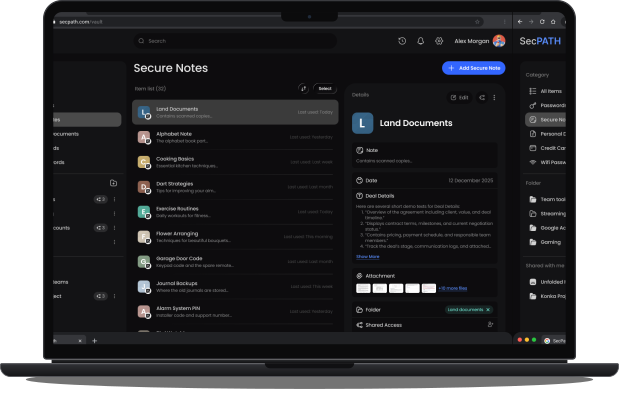
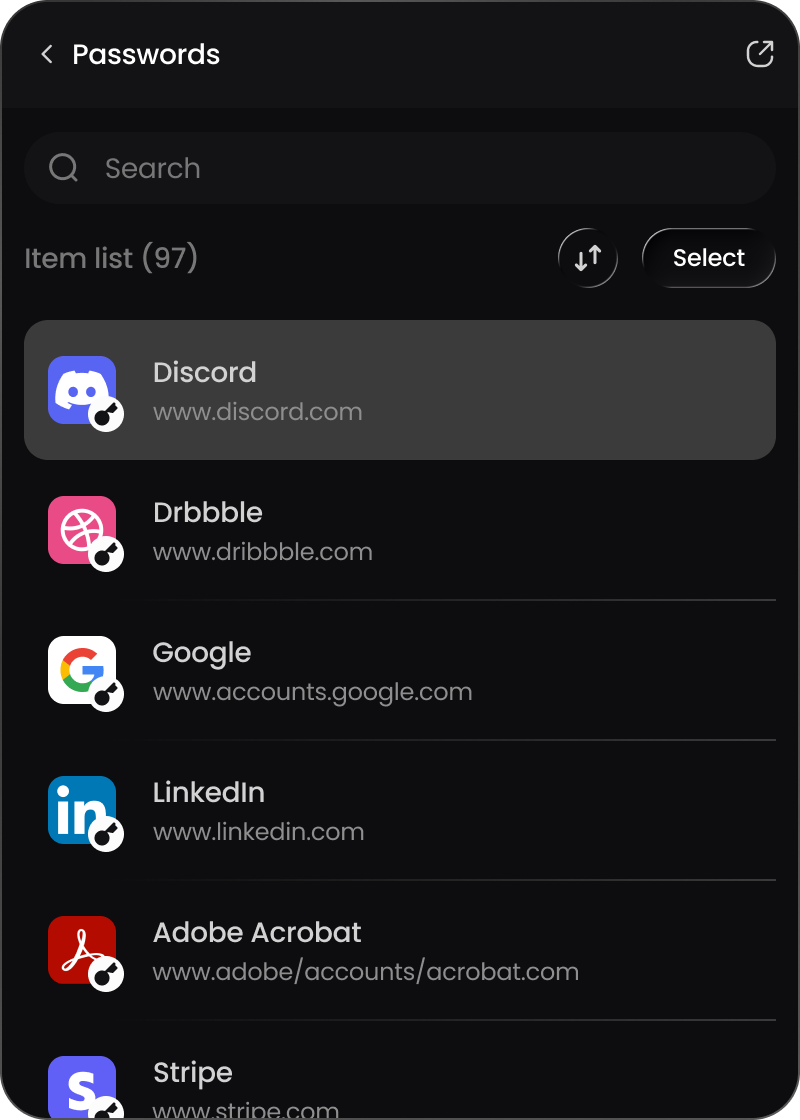
The VPN runs in the Windows app, and one subscription covers more than one device. Your SecPath account also opens the web app and browser extension.


 Sign in
example.com/login
Sign in
example.com/login


Windows app
Where SecPath VPN runs. Connect, switch servers and check your status in one window.
Download for WindowsWeb app
Your SecPath account in any browser, with Password Vault. The VPN itself runs in the Windows app.
Browser extension
Password Vault in your toolbar, signed in with the same SecPath account.
We protect your connection and keep no record of what you do with it.
Read our Privacy Policy
- Encryption
- AES-256
- VPN protocols
- WireGuard and OpenVPN
- Activity logs
- None. SecPath follows a no-logs policy.
- Your IP address
- Replaced by the server’s IP while connected
- Public Wi-Fi
- Traffic encrypted before it reaches the network
- Company
- Aldgate Advice Limited, United Kingdom
What a VPN doesn’t do
A VPN protects your connection. It doesn’t stop sites you sign in to from knowing it’s you, and it doesn’t replace antivirus software or care with links and downloads.
Get SecPath VPN.
Billed monthly or yearly, with a 30-day money-back guarantee.
VPN Premium
Best value
Includes VPN
€59/year
Billed yearly · save 51% vs monthly
 Strong AES-256 encryption
- No-logs policy
- Servers across Europe, the Americas and Australia
VPN + Password Vault

Includes VPN + Password Vault
€89/year
Billed yearly · save 63% vs monthly
- Everything in VPN Premium
- Everything in Password Vault Premium
- One account for both
Prices in EUR. Yearly plans are billed once a year. The bundle adds Password Vault to the same account.
Questions, answered.
A VPN sends your internet traffic through an encrypted tunnel to a VPN server. The network you’re on can’t read it, and websites see the server’s IP address instead of yours.
No. Open the Windows app, choose a server and press Connect VPN.
In most countries, yes. Please follow the laws of the country you’re in when you use it.
No. SecPath follows a no-logs policy: we don’t keep a record of the sites you visit or what you do online.
While you’re connected, websites see the SecPath server’s IP address, not yours.
SecPath is run by Aldgate Advice Limited, a company registered in the United Kingdom. Full company details are in the Imprint.
Your traffic is encrypted before it leaves your device, with AES-256 encryption, and carried over the WireGuard or OpenVPN protocol.
SecPath encrypts your traffic before it reaches the Wi-Fi network, so others on that network can’t read it.
No. A VPN protects your connection. Keep using antivirus software and take care with links and downloads.
SecPath VPN runs in the Windows app. The same account also opens Password Vault in the Chrome extension and the web app.
Yes. One subscription covers more than one device, and the same SecPath account signs you in to the Windows app, the Chrome extension and the web app.
Email [email protected]. Our support team is available 24/7.
Encryption and the extra trip to the server can make things a little slower. A server closer to you usually helps.
The app shows your status, location, IP address and current speed while you’re connected.
Across Europe, the Americas and Australia. Pick a location in the app and connect.
Yes. Connect through a server in that country to reach content that’s limited to it.
Browse with confidence.
Protect your connection with SecPath VPN.

Secure VPN Connection
Oslo, Norway
1456 Items Saved
in Password vault


 Coming soon