

Your digital essentials,
protected in one place.
Store passwords, notes, cards, documents, Wi-Fi passwords and more, organized and ready when you need them.

Zero-knowledge encryption · Windows, Chrome and any browser
Store more than passwords.
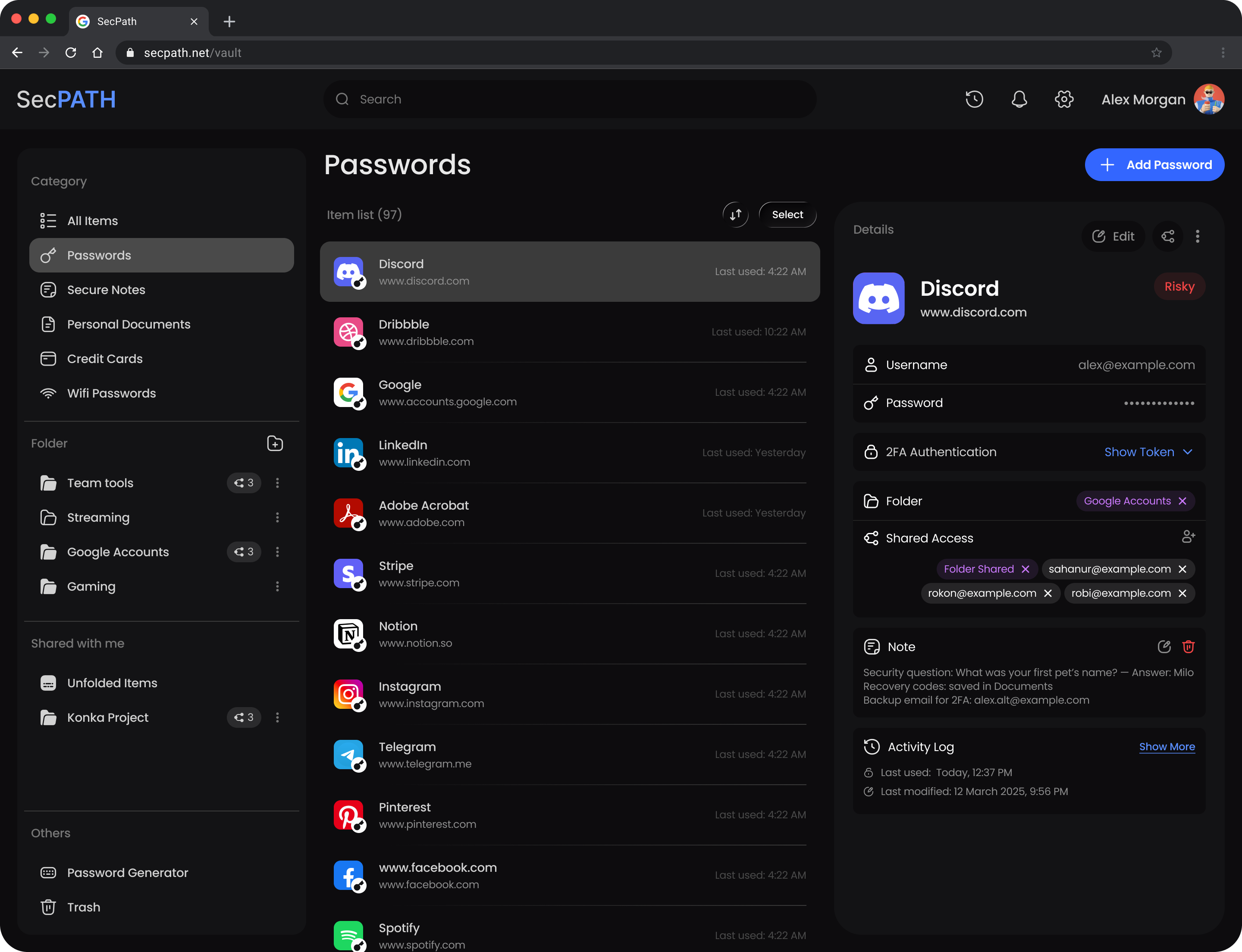
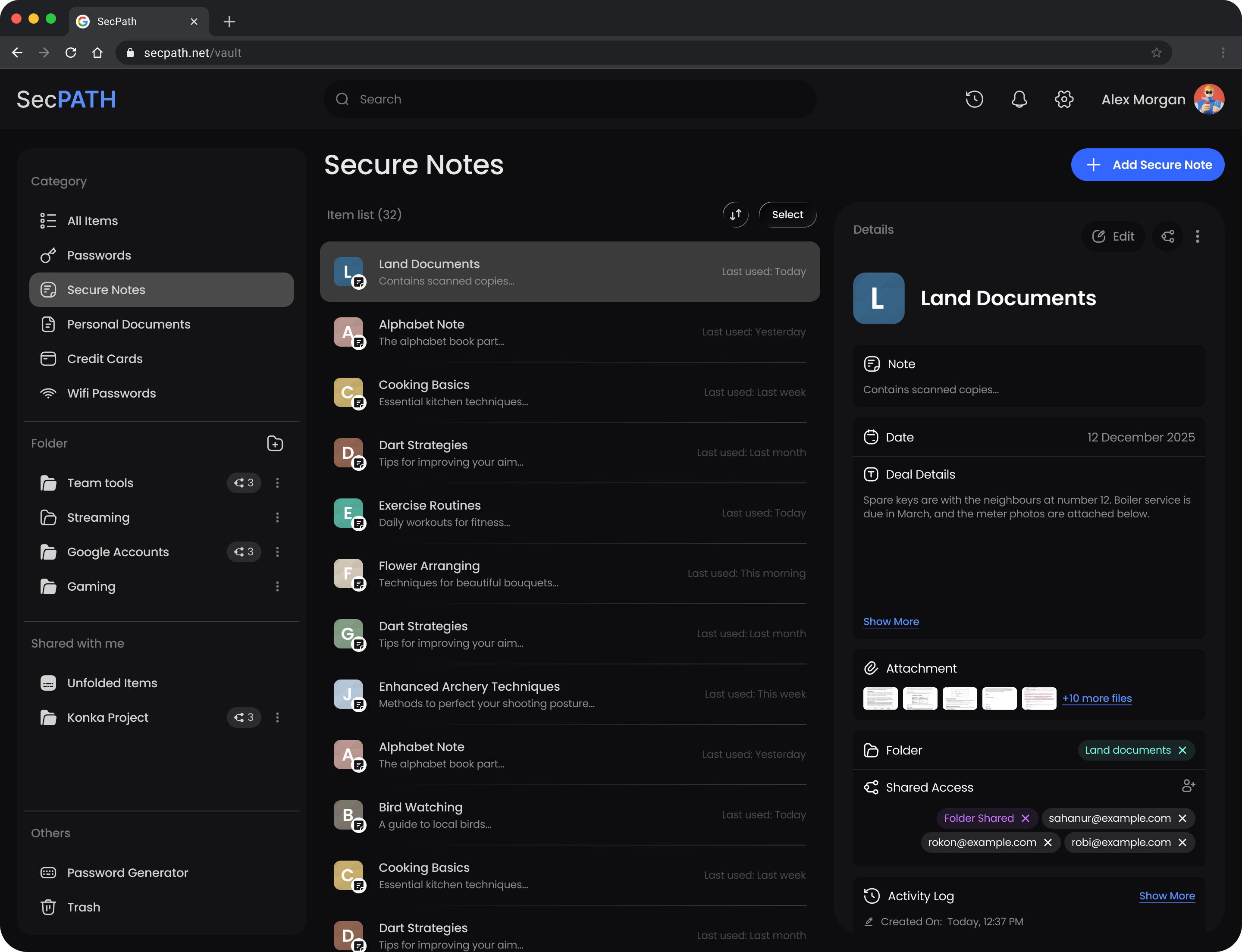
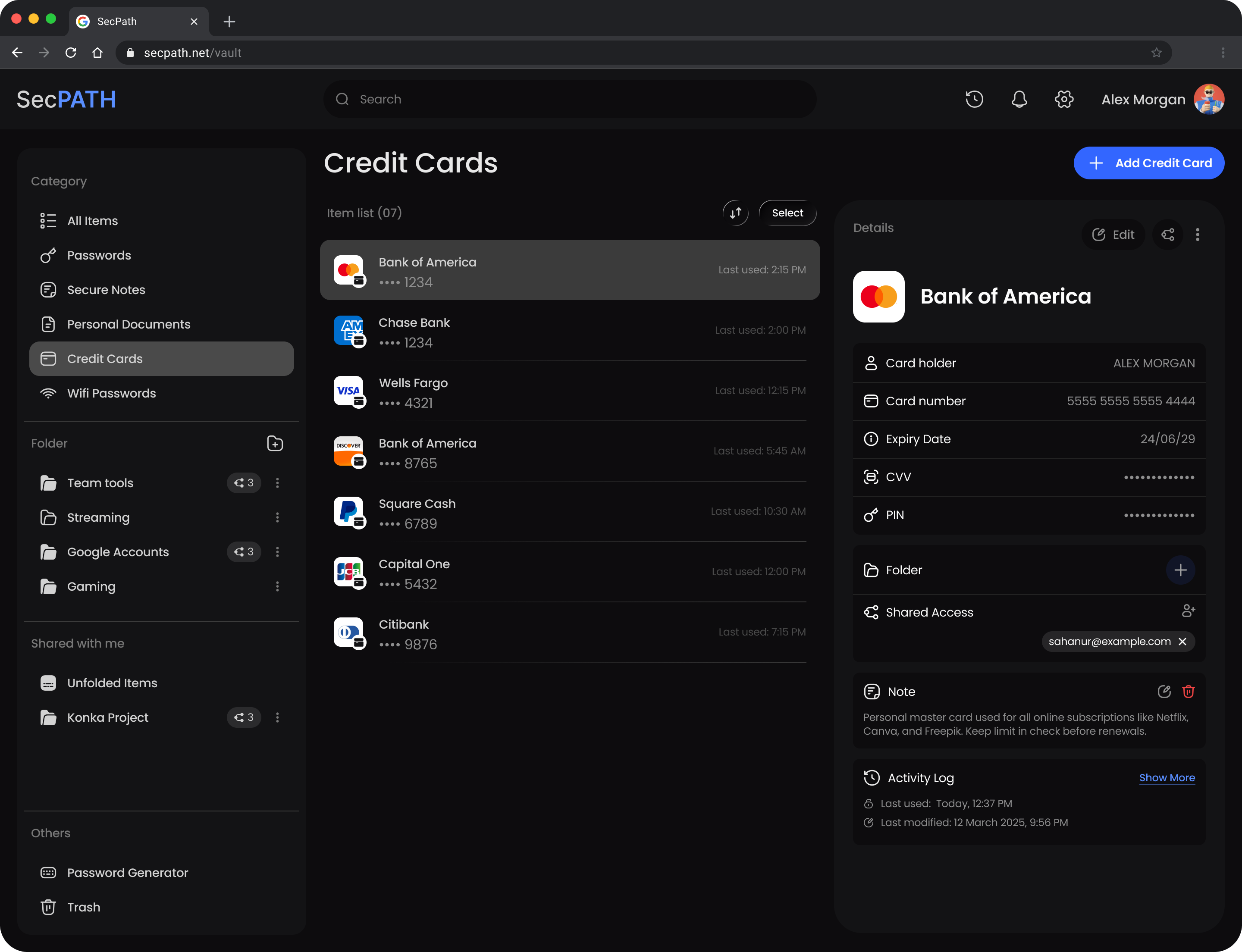
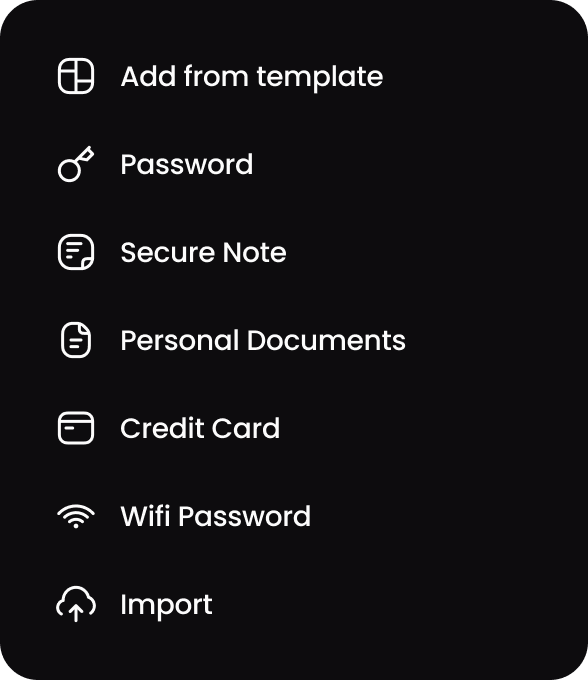
Every item type has the fields it needs. Pick one to see it in the Vault.
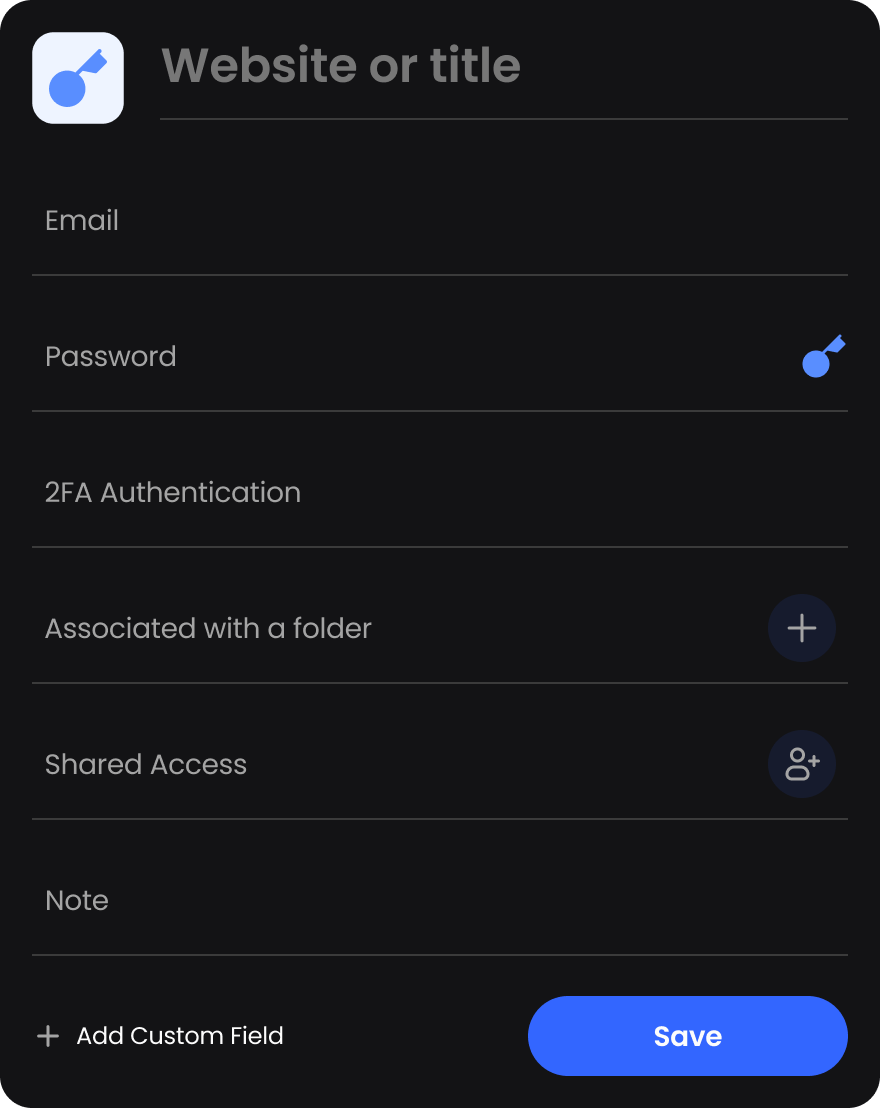
Logins with their username, password and 2FA code, ready to copy.
Private notes, with the files that belong to them.
Card number, expiry date, CVV and PIN, kept together.
IDs and papers, with reminders and attachments.
Network passwords, with their type and a QR code.
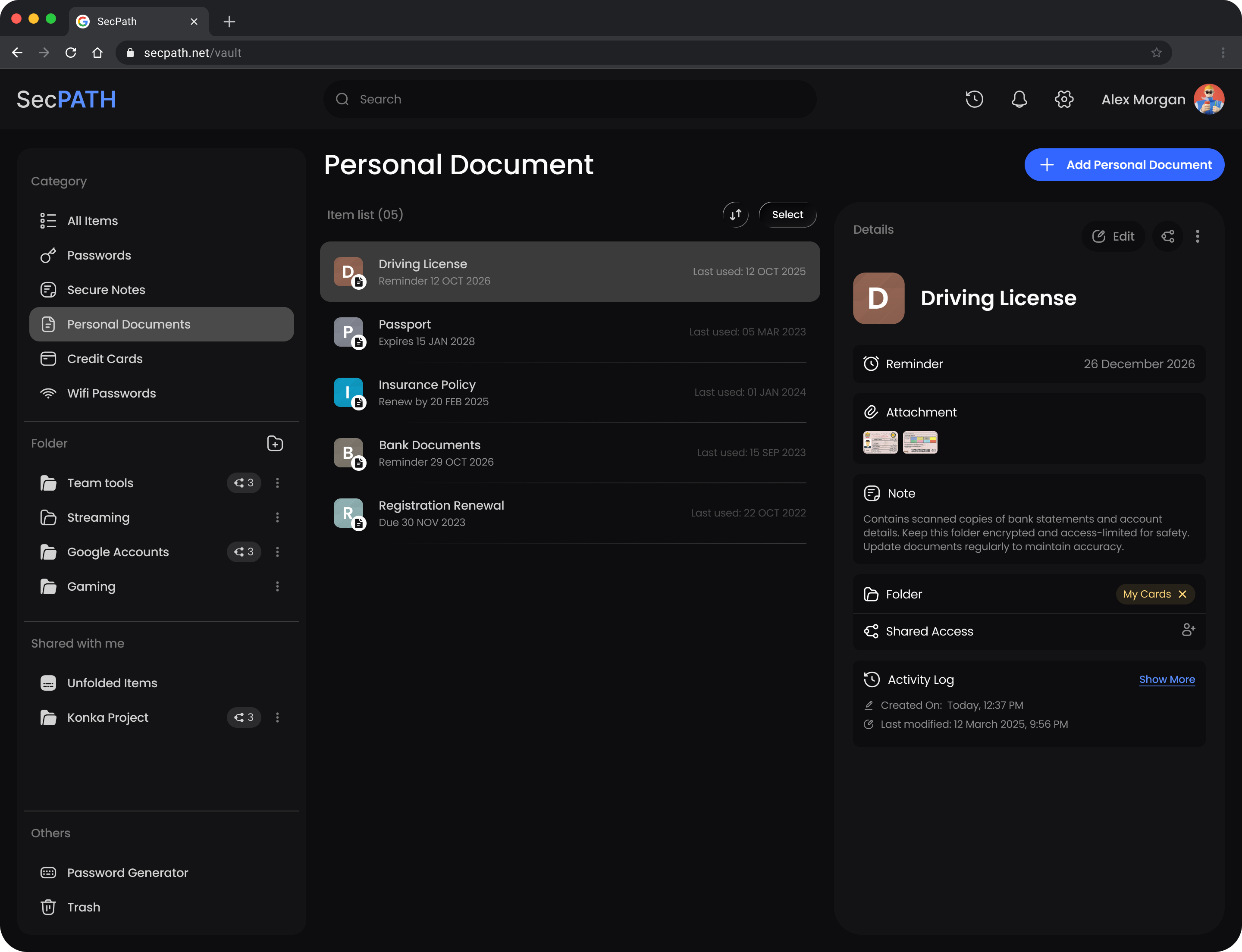
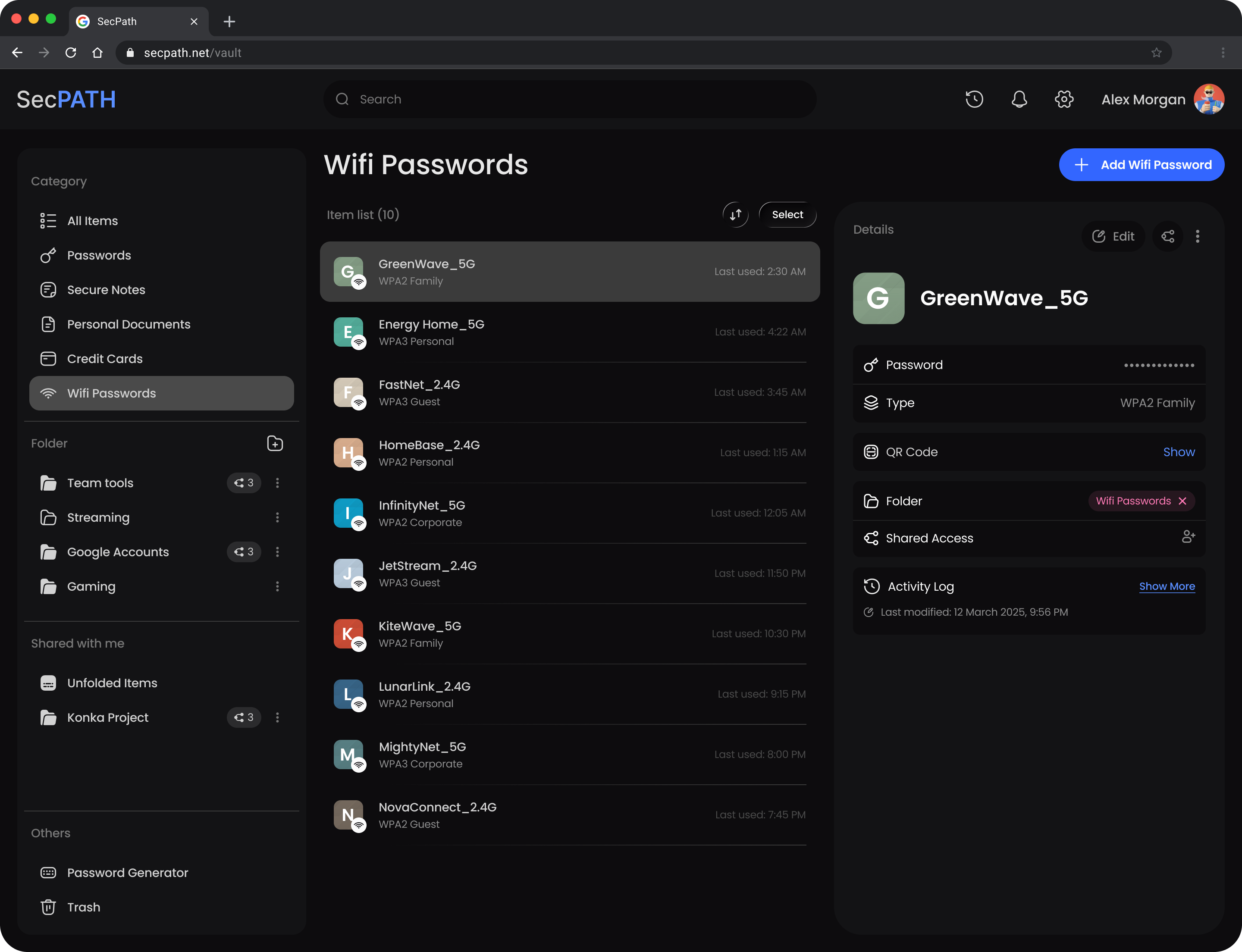
Everything in its place.
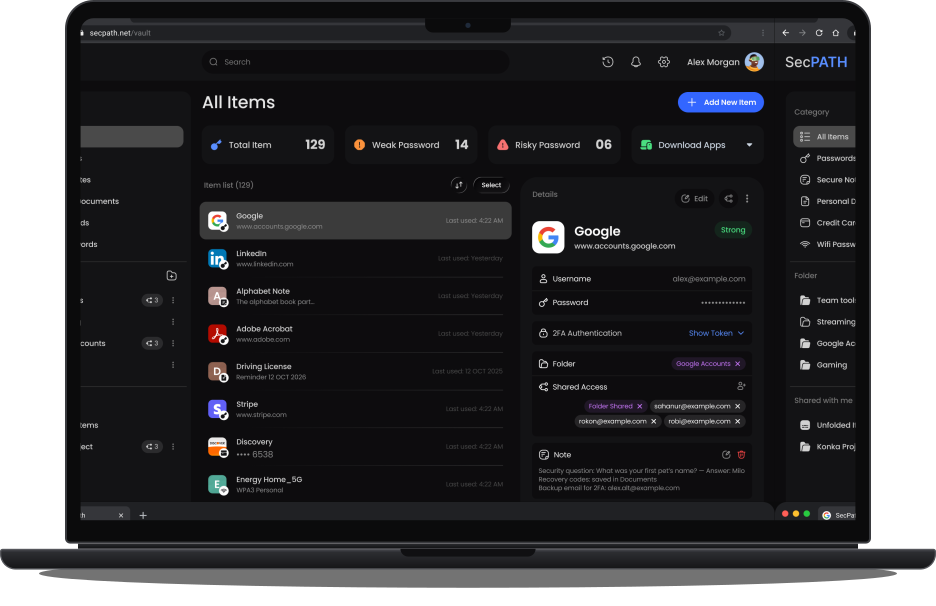
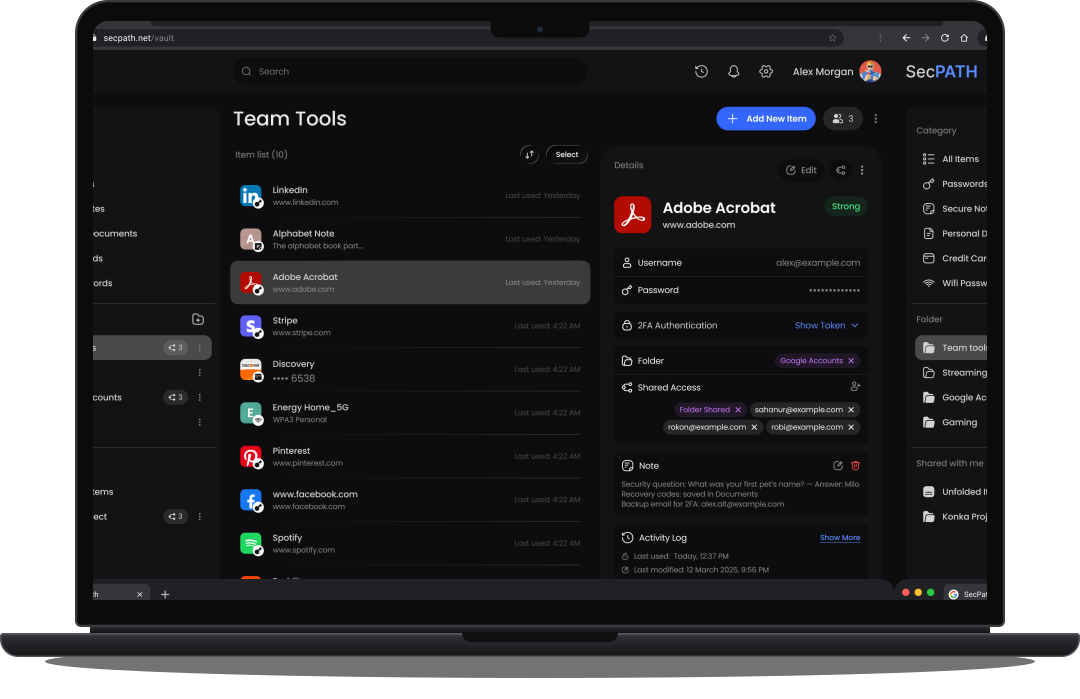
Find your items quickly and organize them into folders that work for you.
-
1A list for every type
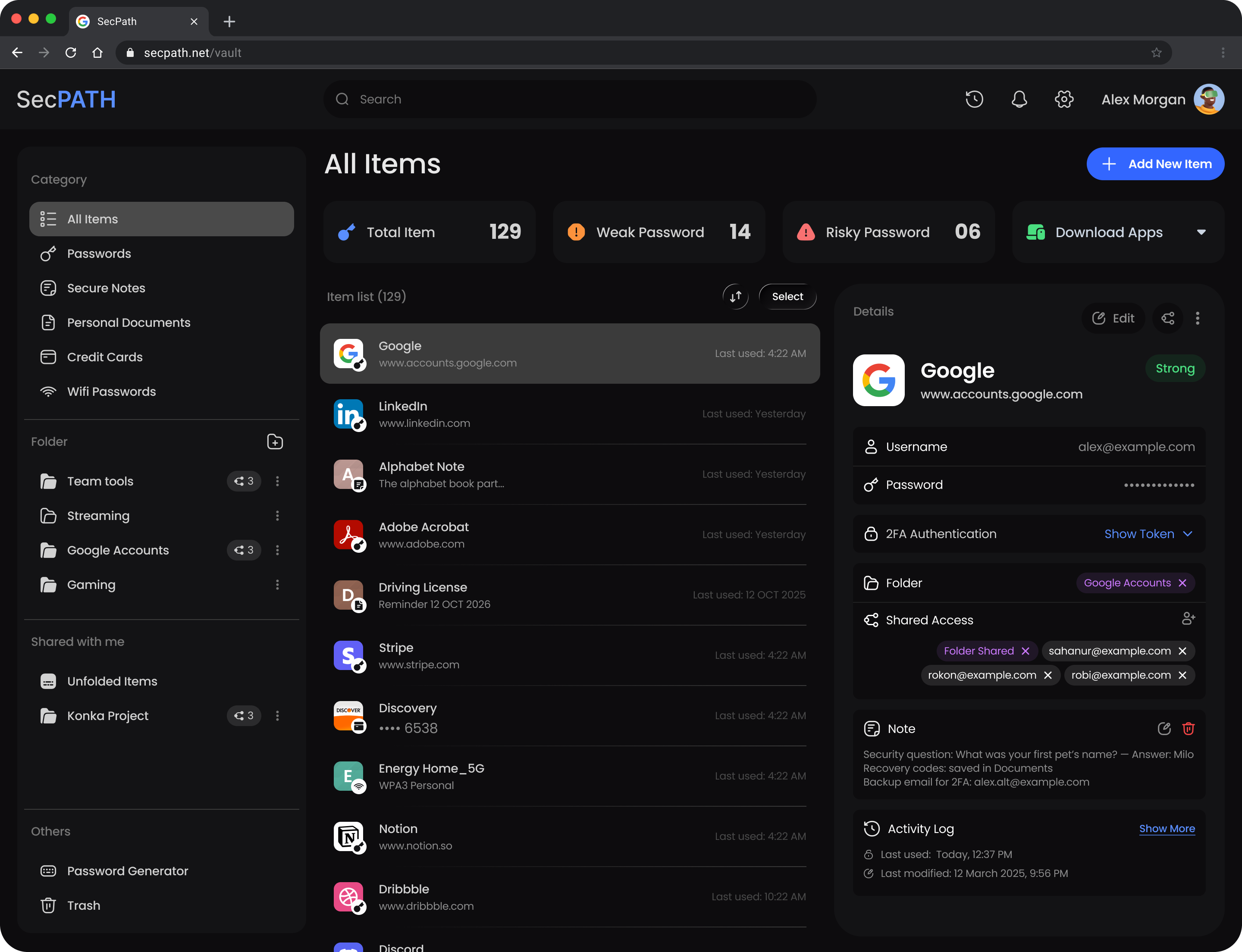
Passwords, secure notes, documents, cards and Wi-Fi each have their own list, with All Items on top.
-
2Folders that fit your life
Create folders like Streaming or Gaming and keep related items together.
-
3Found in seconds
Search your Vault, sort any list, and see how many items it holds.
 1
2
3
1
2
3
Create stronger
passwords in seconds.
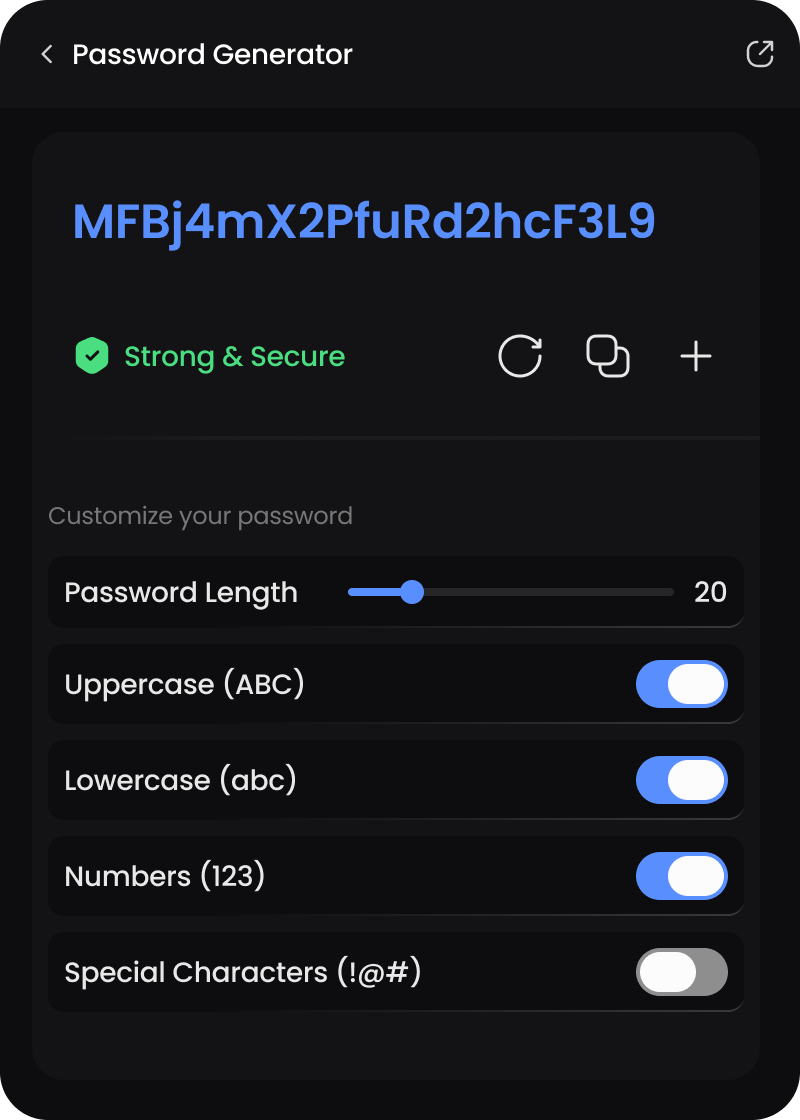
Generate secure, unique passwords without having to think up another one yourself.
Generate
A random password is ready the moment you open the generator. Want another? Refresh it.
Customize
Set the length, and switch uppercase, lowercase, numbers and special characters on or off.
Copy or save
Copy it straight into a sign-up form, or save it to your Vault as a new item.
See what needs
your attention.
Get a clearer view of your Vault and identify weak or risky passwords before they become a problem.

Total items
Everything you've stored, counted in one place.

Weak passwords
Passwords that are easy to guess. Swap them for generated ones.

Risky passwords
Passwords that don't follow the password guidelines, so you know which to change first.
Your information, ready
when you need it.
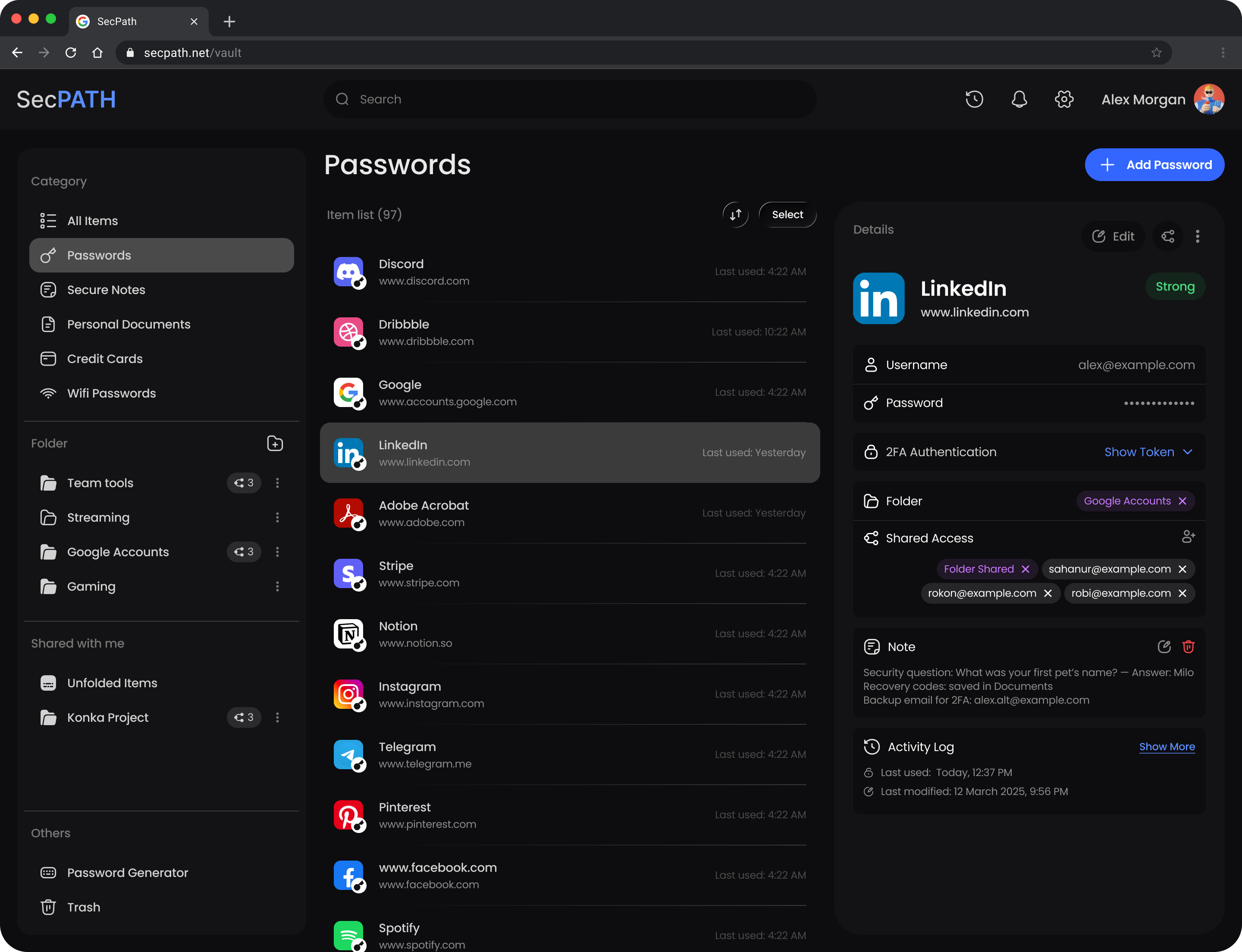
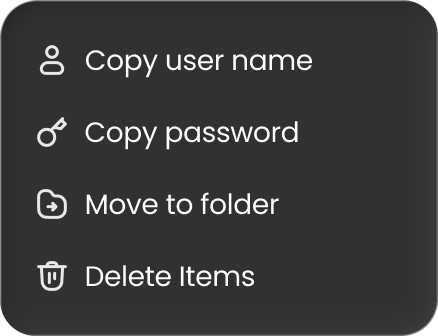
Open an item, update its details, or copy the credentials you need in just a few clicks.
View
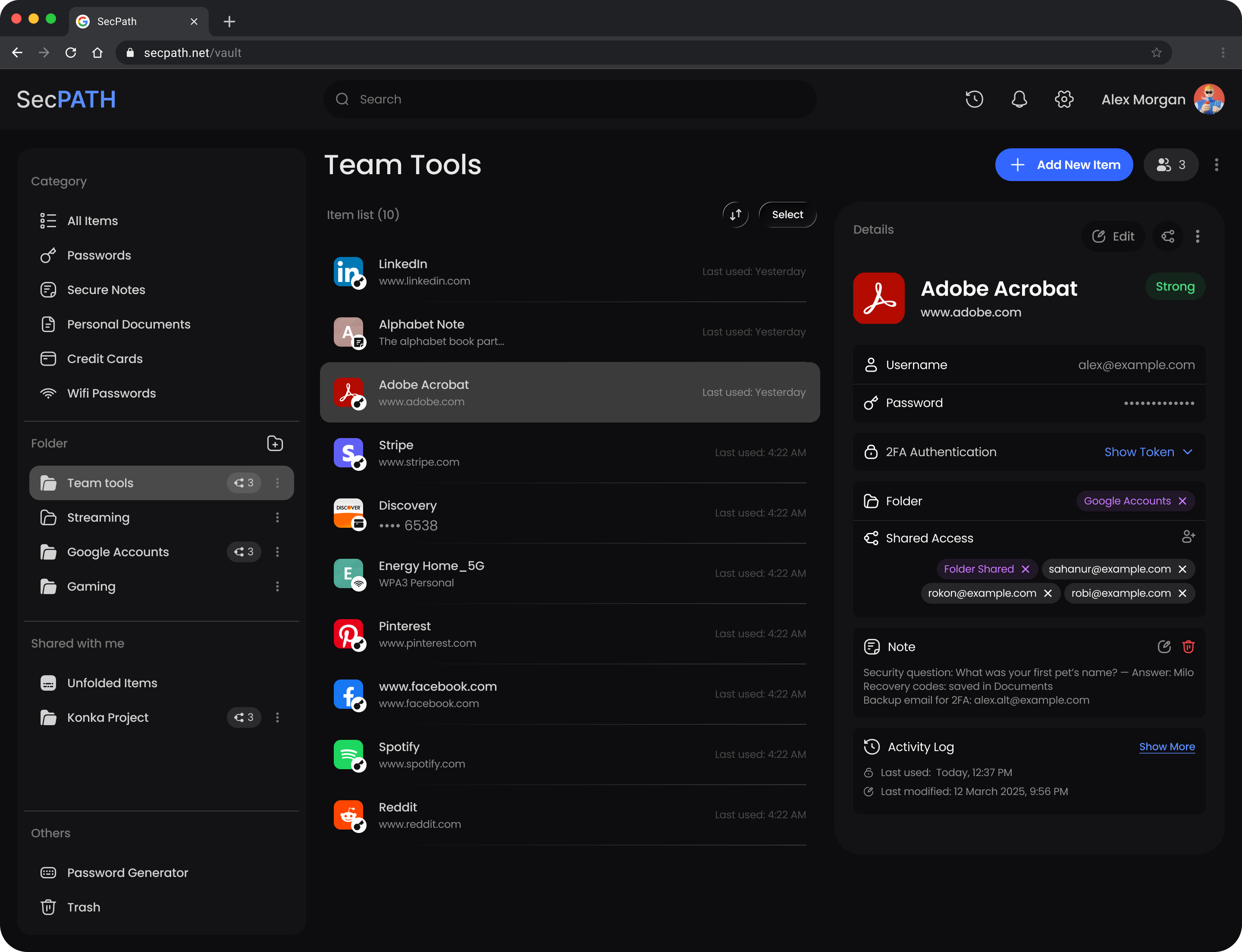
Select an item to see everything in it, from the username and 2FA code to its notes and folder.
Edit
Change any detail with Edit, right in the item. Sharing sits next to it.
Copy
Copy a username or password from the item's menu, without opening it.
Stay informed about
your Vault.
Review activity and keep track of what's happening across your stored information.
See what happened
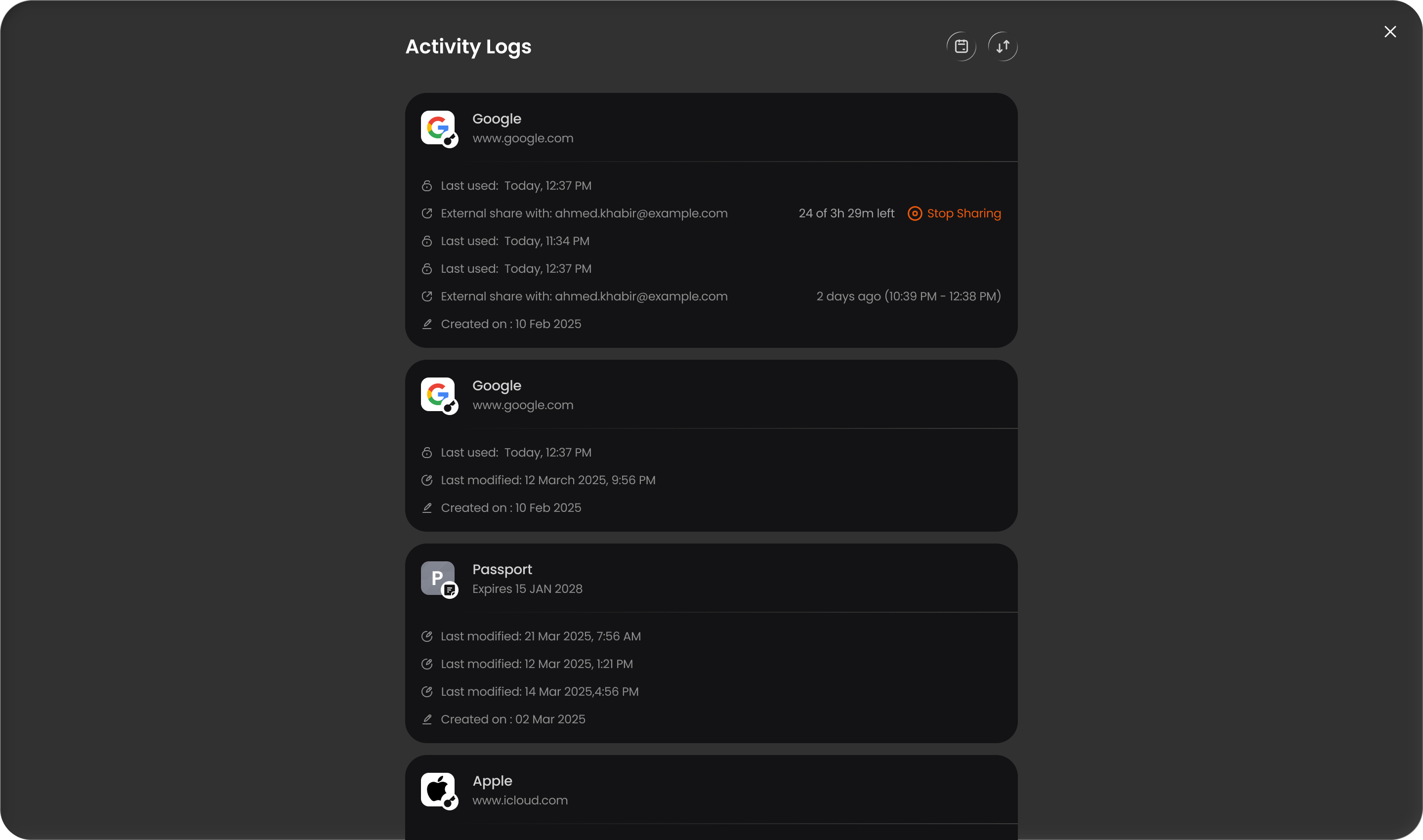
The Activity Log lists when each item was created, used, changed or shared.
Spot what changed
Sort the log, or open any item's own activity from its details.
Keep control
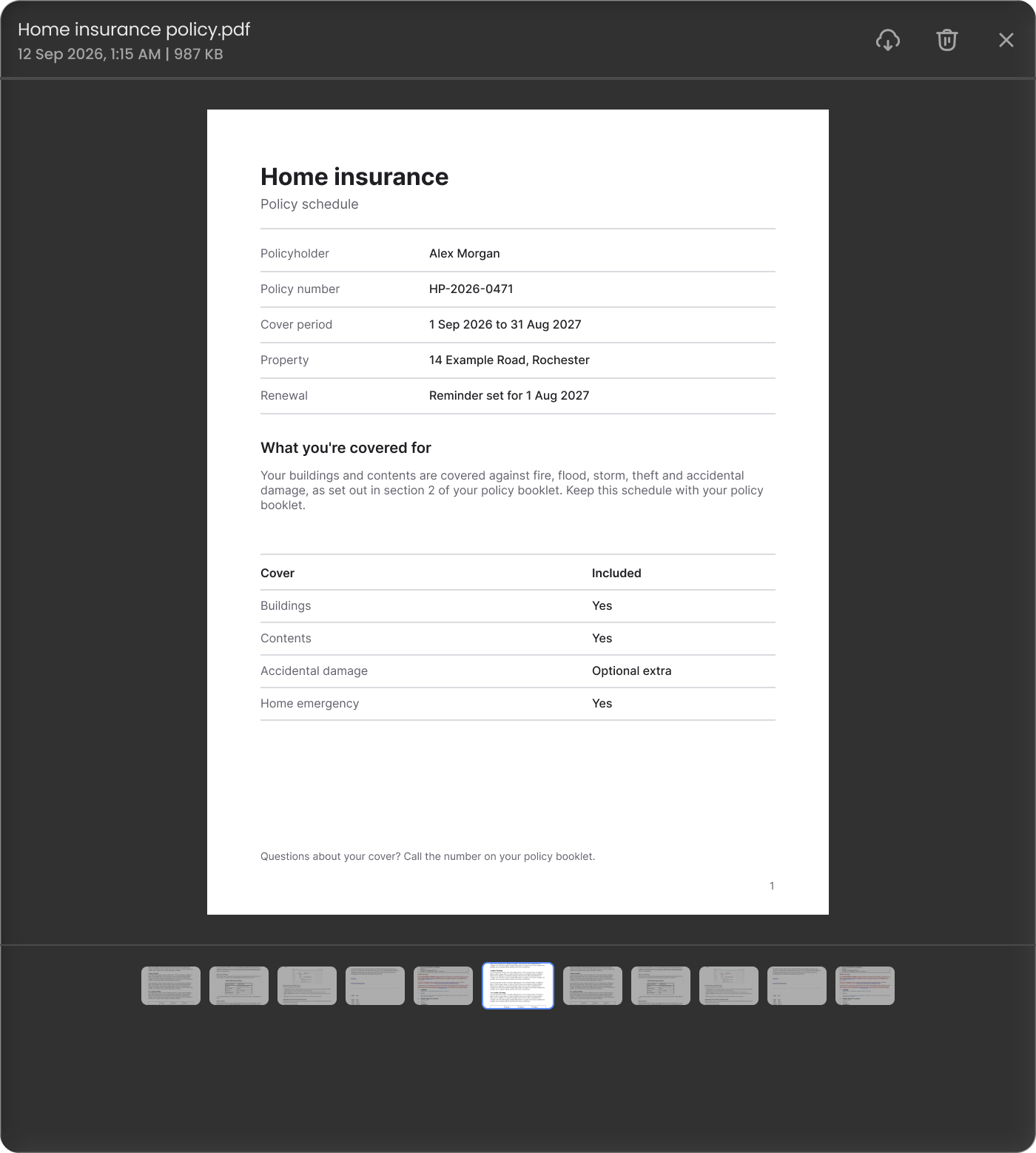
Stop an external share, download a stored file, or export your items from Settings.
Questions, answered.
Yes. You can import your passwords from Bitwarden, 1Password, LastPass, NordPass or Proton Pass, so you don’t have to type them in again.
Password Vault works in the Windows app, the Chrome extension and the web app in any browser, all with the same SecPath account. One subscription covers more than one device.
Password Vault Premium is €59 a year or €9.99 a month, with a 30-day money-back guarantee. VPN + Password Vault is €89 a year if you want both.
No. Password Vault uses zero-knowledge encryption, so only you can unlock your vault. SecPath can’t read what’s in it.
Keep your digital essentials close and safe.
Securely store passwords, notes, cards, and documents with SecPath Password Vault. Starting at €59/year, 30-day money-back guarantee.

Secure VPN Connection
Oslo, Norway
1456 Items Saved
in Password vault


 Coming soon