


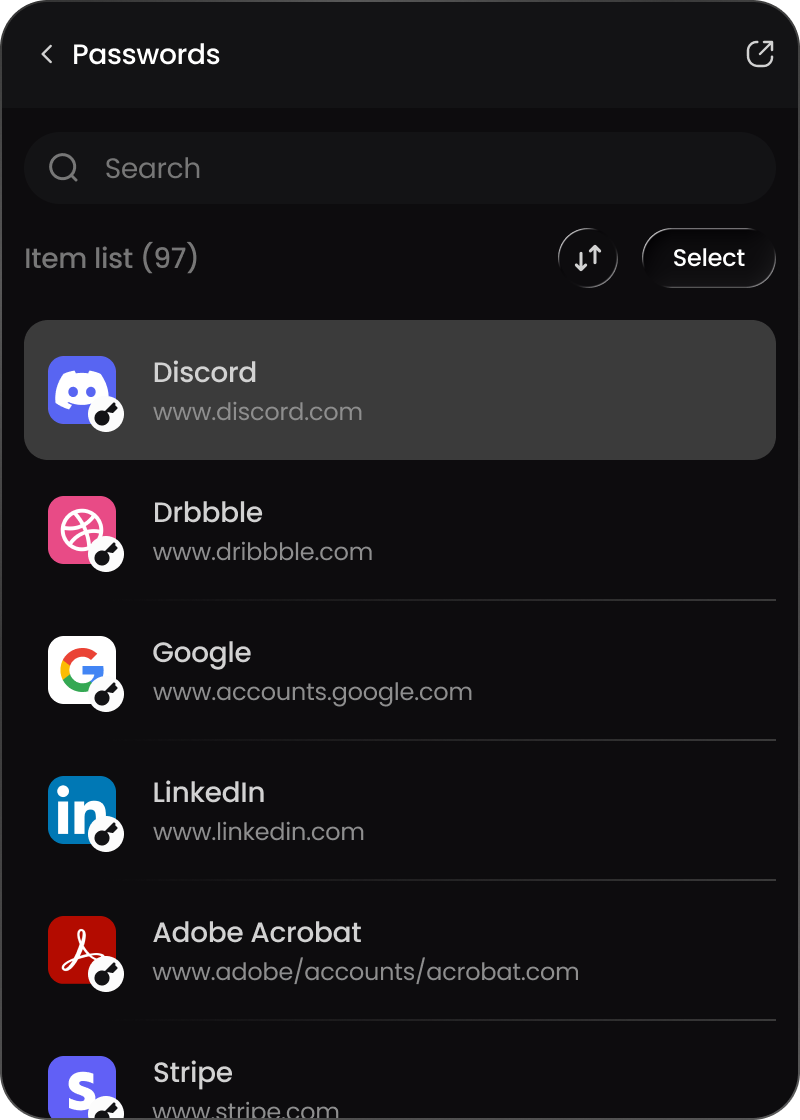


Chrome extension
Password Vault right in your Chrome toolbar.
- Runs on
- Google Chrome
- SecPath VPN
- Windows app only
- Password Vault
- Included
- Install
- Chrome Web Store


Get the Windows app for SecPath VPN and Password Vault. On any other computer, use Password Vault in Chrome or in the web app.
Windows 10 and 11, 64-bit · SecPathSetup.exe
Password Vault right in your Chrome toolbar.
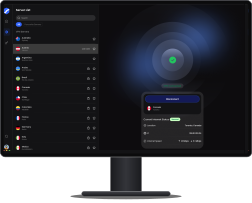

Your VPN and your vault in one window.
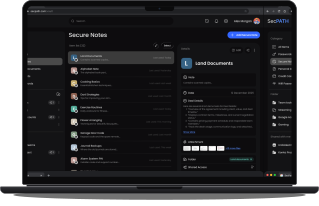

Open your vault in any browser, Mac included.
After the download finishes, open the installer, sign in with your SecPath account and connect.
01Open SecPath
Find it in your Downloads folder and follow the installer.
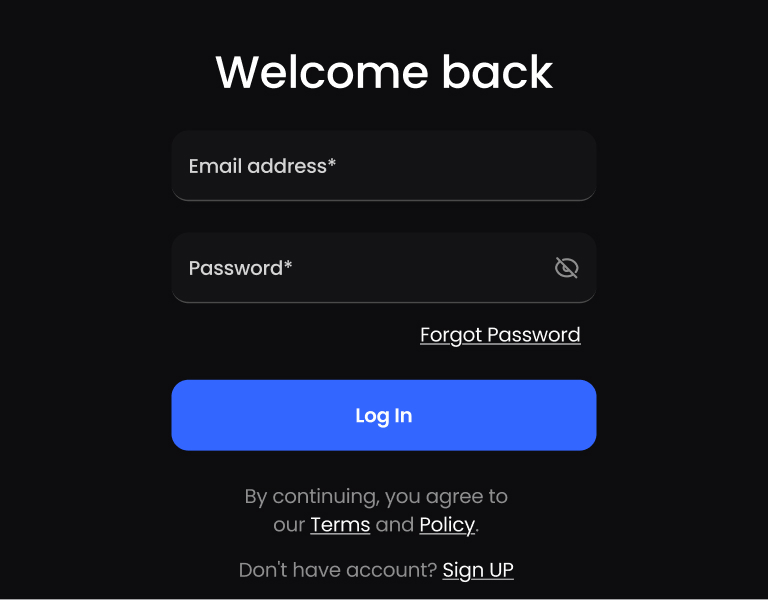
02Sign in
Use the email and password of your SecPath account.
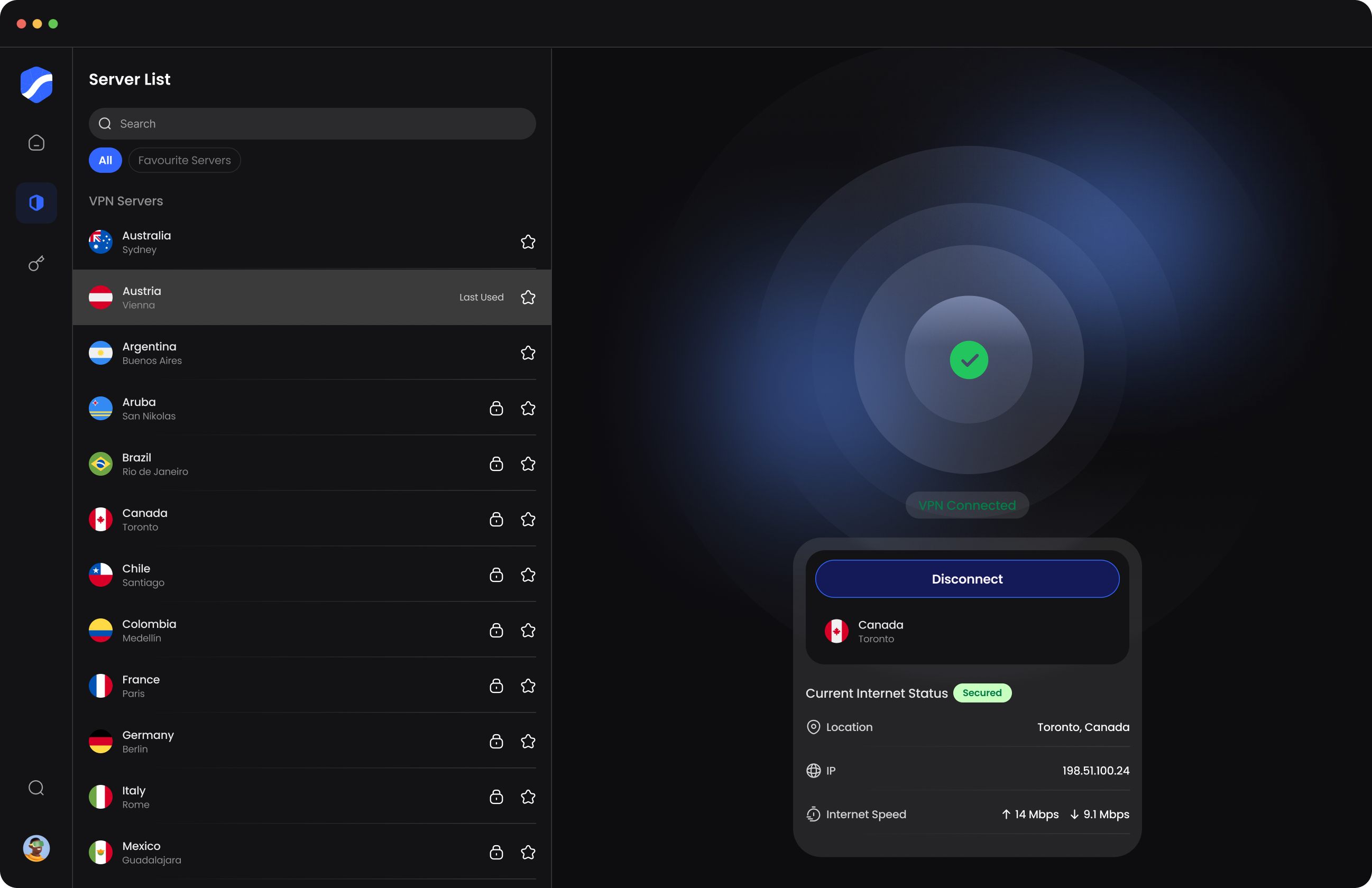
03Connect
Pick a server and connect. Password Vault is in the same window.
There's no Mac app. On a Mac, use Password Vault in the web app or add the Chrome extension. SecPath VPN runs in the Windows app.
Windows 10 and Windows 11, 64-bit. Download SecPathSetup.exe and open it to install.
Yes. One subscription covers more than one device, and the same SecPath account signs you in to the Windows app, the Chrome extension and the web app.
Google Chrome. Add it from the Chrome Web Store, then sign in with your SecPath account.
Download the Windows app, add Password Vault to Chrome, or open it in the web app. The same SecPath account works in all three.
Windows 10 and 11, 64-bit

Secure VPN Connection
Oslo, Norway
1456 Items Saved
in Password vault


 Coming soon